On-screen Ruler1.19
Publisher Description
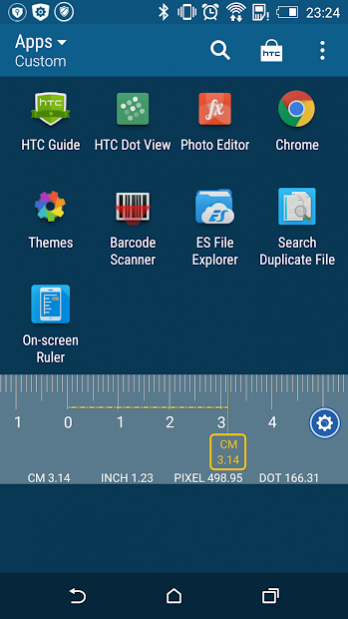
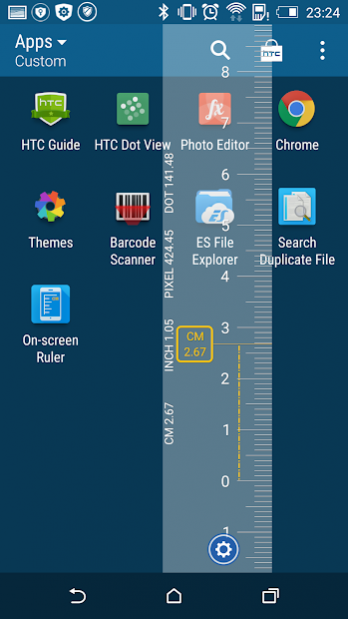
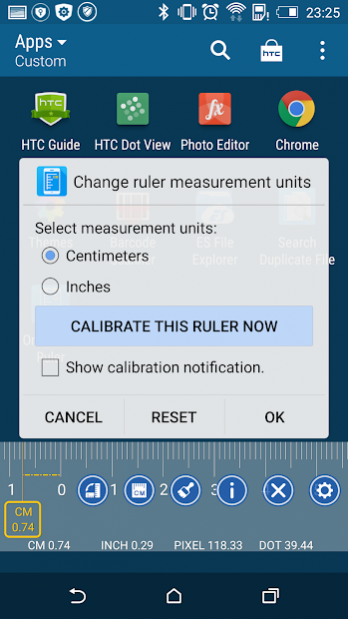
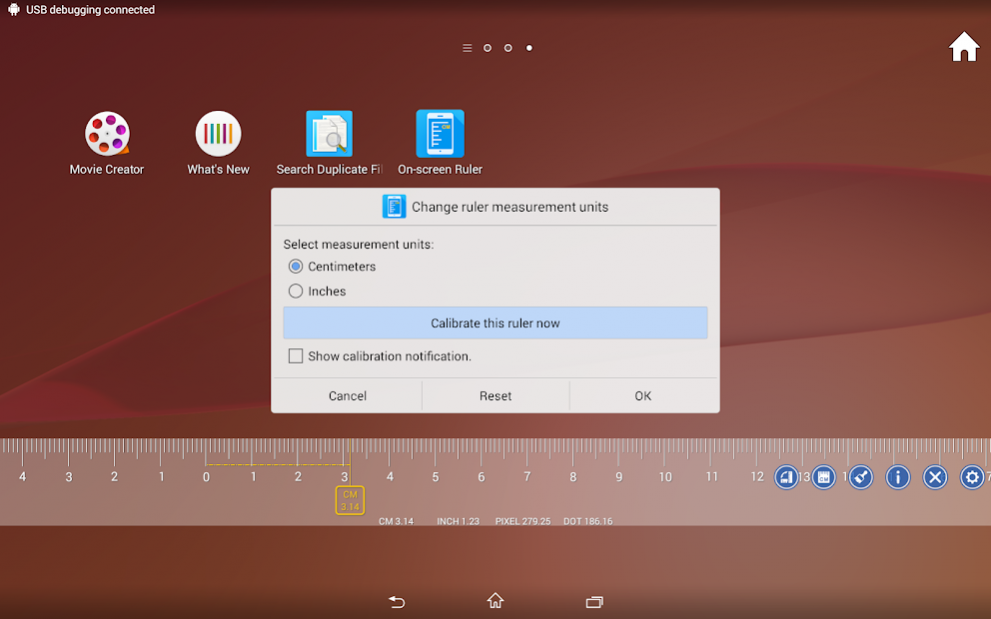
>>> Features:
A floating ruler that you can drag it everywhere.
Measure the real objects outside the screen (CM and Inches).
Measure the virtual objects inside the screen (Pixels and Dots). It is very useful for UI/UE designer.
Switch between centimeters and inches easily.
Calibrate this ruler precisely and easily.
Change the color of ruler.
Set vertical or horizontal ruler.
And more will be added soon.
>>> Known Issue:
Android 6.0, Settings - Apps - Configure apps (Settings Icon at the Upper-Right corner) - Draw over other apps - This app (On-screen Ruler) - Permit drawing over other apps
https://www.youtube.com/watch?v=H6Z-LXLCGKo
How to enable floating app "On-screen Ruler" on XiaoMi/MI/MIUI devices:
https://www.youtube.com/watch?v=W6pLnvOCgEY
How to enable floating app "On-screen Ruler" on Huawei devices:
https://www.youtube.com/watch?v=e3jF-0NXqZk
About On-screen Ruler
The company that develops On-screen Ruler is NeedJava. The latest version released by its developer is 1.19.
To install On-screen Ruler on your Android device, just click the green Continue To App button above to start the installation process. The app is listed on our website since 2019-09-01 and was downloaded 51 times. We have already checked if the download link is safe, however for your own protection we recommend that you scan the downloaded app with your antivirus. Your antivirus may detect the On-screen Ruler as malware as malware if the download link to com.needjava.screenrulerfree is broken.
How to install On-screen Ruler on your Android device:
- Click on the Continue To App button on our website. This will redirect you to Google Play.
- Once the On-screen Ruler is shown in the Google Play listing of your Android device, you can start its download and installation. Tap on the Install button located below the search bar and to the right of the app icon.
- A pop-up window with the permissions required by On-screen Ruler will be shown. Click on Accept to continue the process.
- On-screen Ruler will be downloaded onto your device, displaying a progress. Once the download completes, the installation will start and you'll get a notification after the installation is finished.
Program Details
System requirements
Download information
Pricing
Version History
version 1.19_free
posted on 2019-09-01
08/29/2019
Fix NPE
08/23/2019
Enhancement
08/17/2019
Fix Android 9.0
06/28/2019
Support Android 9.0
02/01/2018
Support Android 8.1
version 1.06_free
posted on 2016-03-23
03/23/2016,New UI,11/15/2015,More languages,03/28/2015,New icon,03/15/2015,UI improvement, for Pi day, π,03/06/2015,UI bug fix
